AWS Access Keys, CLI and SDK
To acces AWS, you have three options :
- 1. AWS Management Console (protected by password + MFA)
- 2. AWS Command Line Interface (CLI) : protected by access keys.
- 3. AWS Software Developer Kit (SDK) - for code: promoted by access keys.
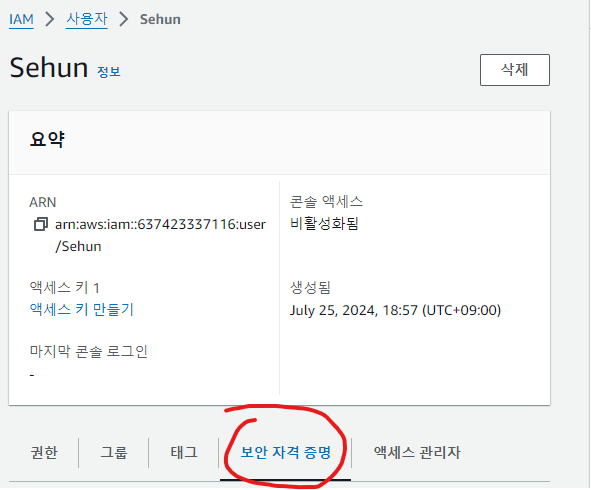
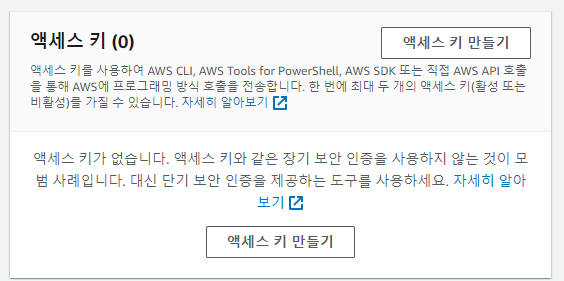
Access keys are generated through the AWS Consle
Users manage their own access keys
Access Keys are secretm just like a password. Dont share them.
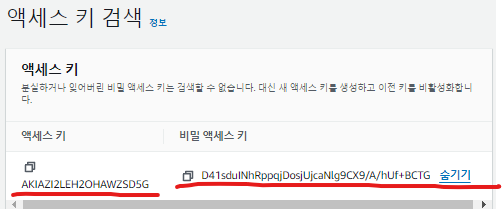
Access Key ID ~= username.
Secret Access Key ~= password.
AWS CLI?
- Tool that enables to interact with AWS services using commands in CLI
- Direct Access to the public APIs of AWS services
- You can develop scripts to manage your resources
- It's open-source
- Alternative to using AWS Management Console
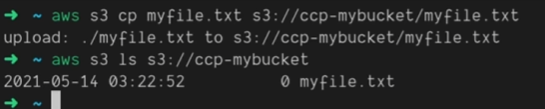
AWS SDK?
AWS software Development Kit (AWS SDK)
Language-specific APIs (set of libraries)
Enables you to access and manage AWS services programmatically.
Embedded within your application
Supports
- SDKs( JS, PY, PHP, .NET, Ruby , Java, Go, Node.js, C++)
- Mobile SDKs ( Android , IOS .....)
- LoT Device SDKS (Embedded C , Arduino ...)
(ill do a practice on AWS CLI is built on AWS SDK for Python.)
How to use AWS CLI?
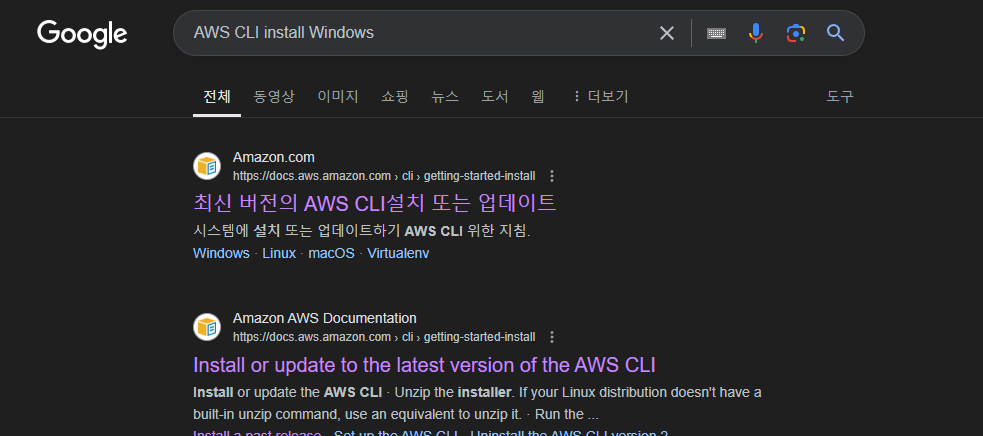
Step 1
Installing aws CLI
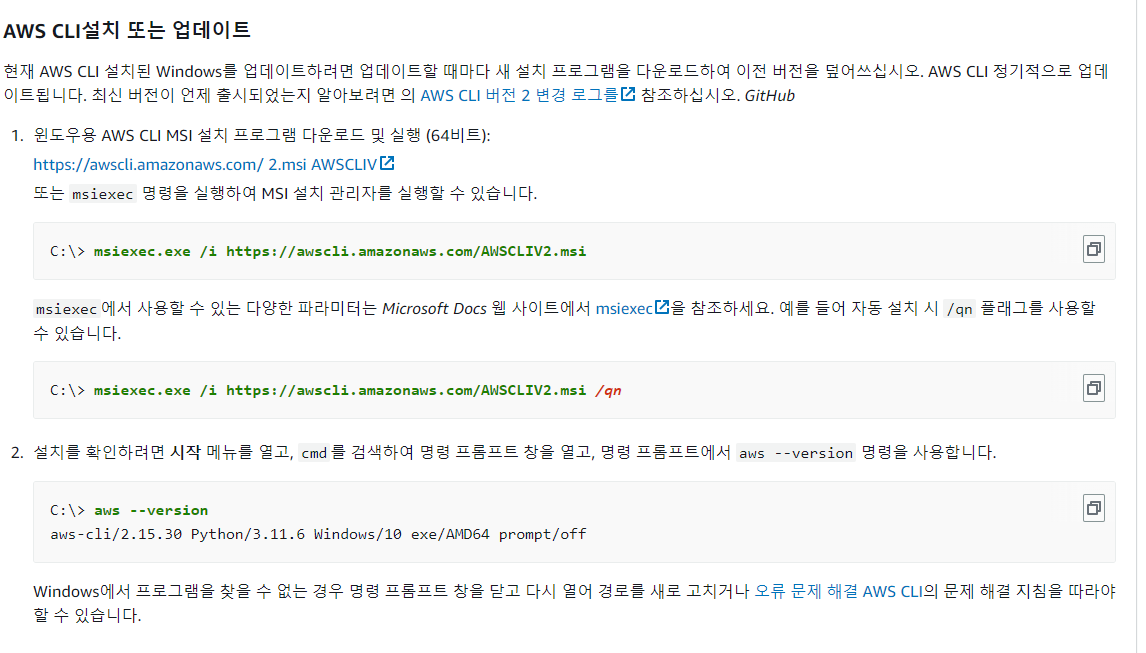

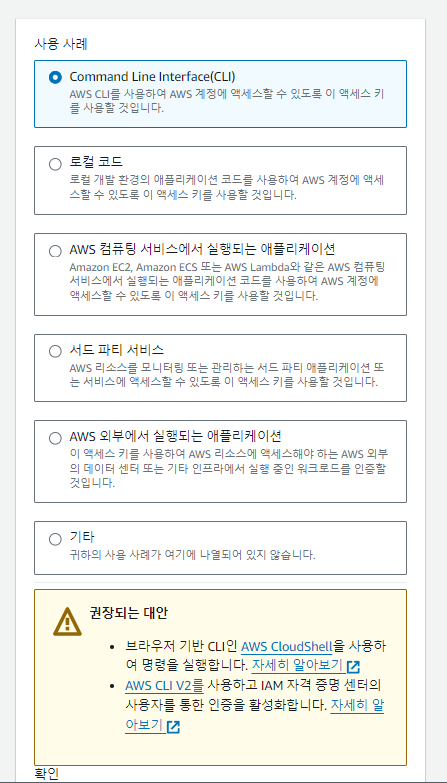
Step2 Create access keys
Step 3 aws configuration on pc.
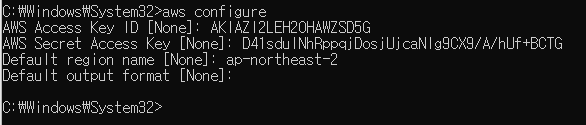
now you can see...

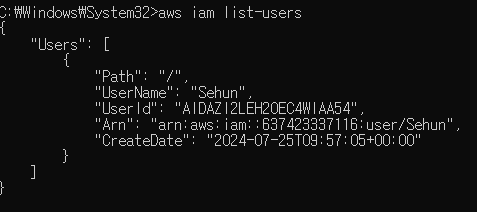
(How ever if the accout is not in a group with permission the access will be deny)
You can do this in AWS cloud shell as well
https://docs.aws.amazon.com/ko_kr/cloudshell/latest/userguide/working-with-aws-cloudshell.html