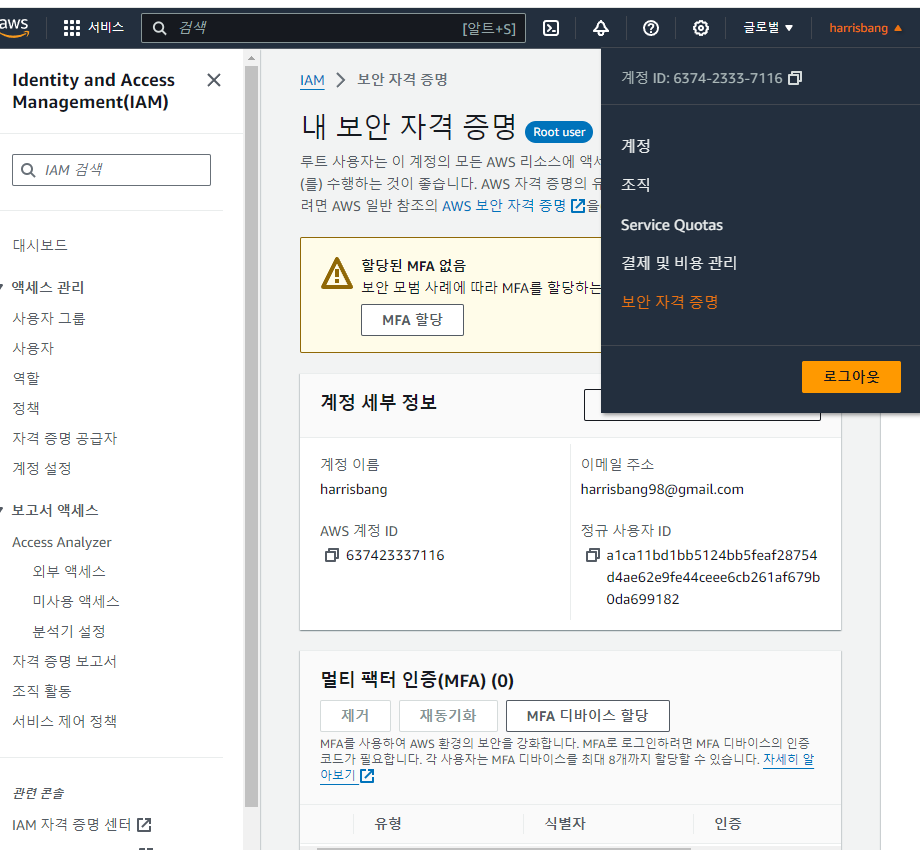
IAM, Password Policy, MFA
IAM = identity and Access Management, global service
Root Accout = is created by default, should not be used or shared (for security reason ,because it has all the permissions and access)
Users are people within the organization, and can be grouped.
e.g , developer group, Operation group ....
(you can have some people excluded from any of the group and be alone but it is not recommanded).
(and a person can be involved in multiple group).
IAM : permissions
Users or Groups can be assigned JSON documents called policies.
These policies define the permissions of the users.
In AWS you apply the least privilege principle: don't give more permissions than a user needs.
Consist of
1. Version : policy language version, always include "2012-10-17".
2. Id : Identification of the policy (Optional).
3. Statement : one or more individual statement (Required).
3.1 Sid : identification for statement (Optional).
3.2Effect : whether the statement allows or denies access (Allow, Deny).
3.3 Principle : accont/user/role to which this policy applied to.
3.4 Action : list of acations this policy allows or denies.
3.5 Resources : list of reResources to which the action applied to.
3.6 Condition : condition for when this policy is in effect (optional).
e.g
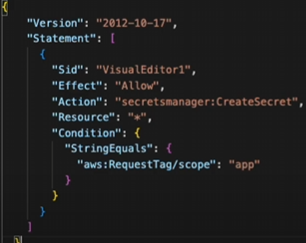
(IAM account is a global service so it go on all server)
IAM Dash board
IAM > Users Groups > Create Group
you can greate group. (can add policy)
IAM > Users > Create User
(Autogenrated password vs Custom password)
You can create user (can add to group or inline policy)
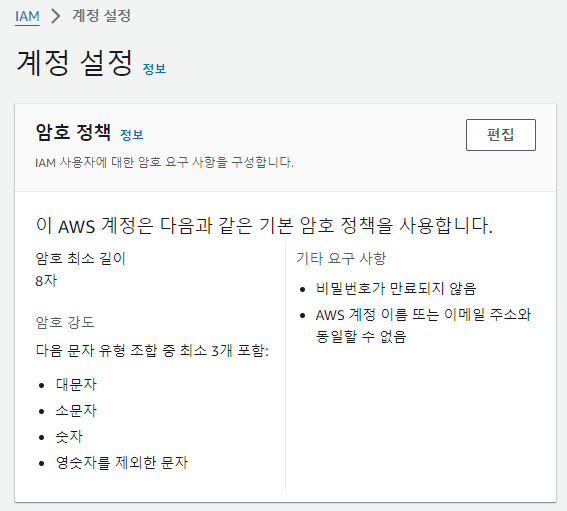
IAM - Password Policy
Strong password : higher security for account
In AWS, you can setup a password policy.
1. minimum length
2. required pecific character types (uppercase, lowercase, numvers, non-alphamumeric char)
3. Allow all IAM users to change their own passwords
4. Require users to change their own passwords after some times (password expiration)
5. Prevent password re-use
Multi Factor Authentication -MFA ( VERY RECOMMENDED )
- Users have access to the account and possibly change configuration or delete resources in the AWS account
- You want to protect your Roor Account and IAM users
- MFA = Password you know + security device you own
password + MFA => successful login.
Main benefit of MFA : when password is stolen or hacked , the account is not compromised!!
MFA options
1. Virtual MFA device (e.g Google Authenticator (Phone only) , Authy (Phone only) )
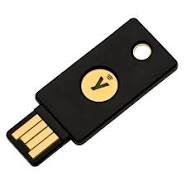
2. Universal 2nd Factor (U2F) Security Key. (e.g Yubikey) support for multiple root and iam user using a single security key.
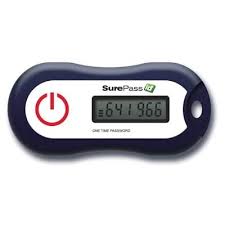
3. Hardware key Fob MFA device
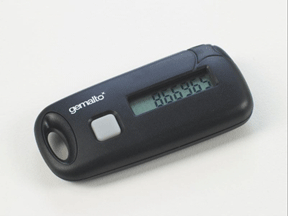
4. Hardware Key Fob MFA Device for AWS GovCloud (US)
Where to Set the IAM Password policy
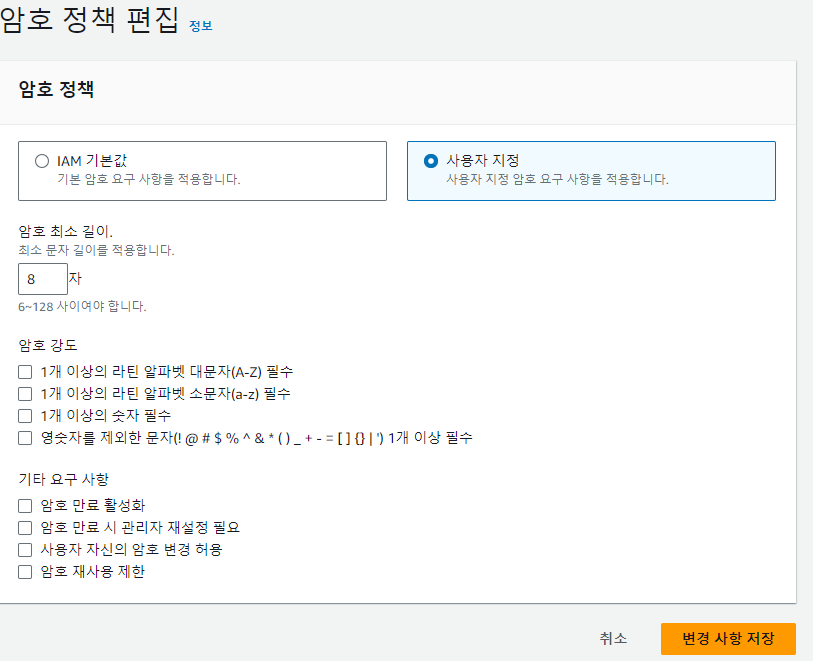
where to set MFA